What Should a 10-Person Team Automate First?
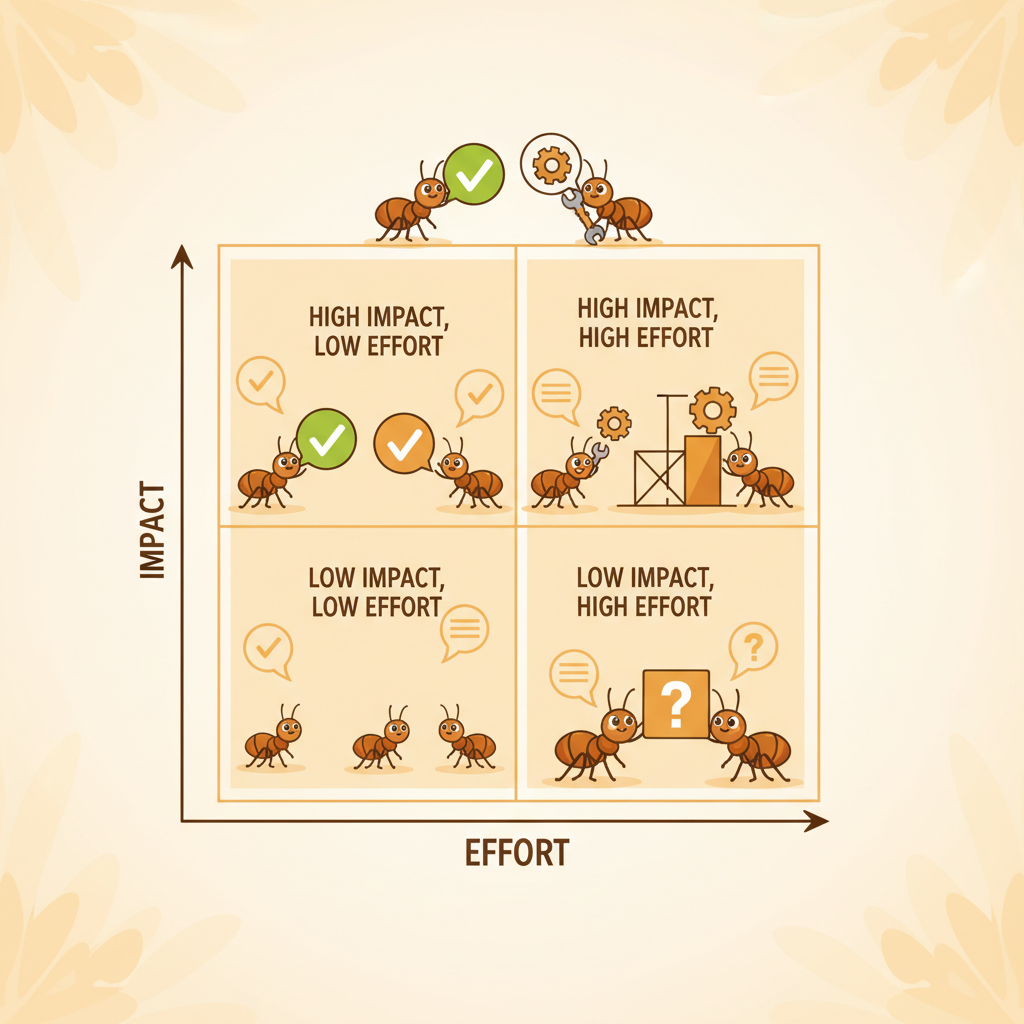
A 10-person team should automate email triage first, then meeting prep, status collection, calendar defence, and competitive monitoring, in that order. Email triage saves 3-5 hours per week with near-zero setup effort and pays for itself within 2 weeks. The sequence matters because each automation builds confidence and context for the next one.
I've helped about 40 small teams set up their first AI agents over the past year. The ones that succeeded all followed the same pattern: start with the highest-frequency, lowest-risk workflow. The ones that failed tried to automate everything at once. Here's the framework I use, with specific numbers for each step.
The Priority Matrix
Rank by three factors: time saved per week, effort to set up, and how quickly you see ROI. Here's how five core workflows score.
| Priority | Task | Time Saved/Week (per person) | Setup Effort | ROI Timeline |
|---|---|---|---|---|
| 1 | Email triage | 2.5-3.5 hours | Low (30 min) | 1-2 weeks |
| 2 | Meeting preparation | 1.5-2.5 hours | Low (45 min) | 2-3 weeks |
| 3 | Status collection | 1.0-1.5 hours | Medium (1-2 hrs) | 2-4 weeks |
| 4 | Calendar defence | 1.0-1.5 hours | Medium (1 hr) | 3-4 weeks |
| 5 | Competitive monitoring | 1.0-2.0 hours | Medium (1-2 hrs) | 4-6 weeks |
Total potential savings across all five: 7-11 hours per person per week. For a 10-person team at $50/hour, that's $182,000-$286,000 in reclaimed productivity per year.
1. Email Triage: Start Here, Always
Email triage ranks first because it hits every person on the team, every day, with no exceptions. The average knowledge worker receives 47 emails per day and spends 45 minutes sorting them. An AI agent classifies incoming mail by urgency, drafts responses for routine requests, and surfaces only the 8-12 messages that require human judgment.
Setup takes 30 minutes. Connect your M365 account, set classification rules (or let the agent learn them from your first week of behaviour), and go. Most teams report a 60-70% reduction in email processing time within the first week.
Why this works as the starting point: low risk (the agent triages, you still decide), high frequency (daily payoff), and fast feedback loop (you know within 3 days if it's working).
2. Meeting Preparation: The Hidden Time Sink
Meeting prep is the second priority because the time waste is real but invisible. Nobody tracks "scrambling to find the Q3 proposal in SharePoint 10 minutes before a client call" as a distinct task. But it happens 4-6 times per week for most people.
An agent that pulls relevant documents from SharePoint, summarizes past meeting notes, and posts an agenda to your Teams channel 30 minutes before the call turns 15 minutes of frantic searching into 2 minutes of review. For a team of 10 with an average of 5 meetings per week each, that's 10+ hours of prep time eliminated weekly.
Set this up in week 2. By then, you trust the agent's M365 access from the email triage step, and the same connection handles document retrieval.
3. Status Collection: Kill the Monday Standup
Status collection ranks third because it requires slightly more configuration but saves a specific, measurable meeting. The typical 10-person team spends 30-60 minutes per week in a standup or status meeting where each person reports what they did and what they're doing next.
An agent can collect status updates asynchronously. It pings each team member in Teams on Monday morning, compiles responses, and posts a formatted summary to the channel by 10am. Total meeting time replaced: 30-60 minutes per week for the entire team. That's 5-10 person-hours reclaimed, because everyone was sitting in that meeting.
The setup effort is medium because you need to define the questions, set the schedule, and choose the channel. Allow 1-2 hours for initial configuration and one iteration cycle.
4. Calendar Defence: Protect Your Focus Time
Calendar defence means automatically blocking focus time, declining low-priority meeting invites based on rules, and flagging scheduling conflicts before they happen. This is fourth on the list because it requires you to define your rules clearly, which takes thought.
The time savings are real: Atlassian found that workers attend an average of 62 meetings per month, and half are considered time wasted. An agent that auto-declines optional meetings during your designated focus blocks and suggests batch scheduling for recurring 1-on-1s saves 1-1.5 hours per week.
Set this up in week 3 or 4. You need the confidence that the agent understands your calendar patterns, which comes from running email triage and meeting prep first.
5. Competitive Monitoring: Slow Burn, High Value
Competitive monitoring ranks last because the ROI takes longer to materialize, but the long-term value is significant. An agent that scans industry news, monitors competitor websites, and delivers a weekly summary to your Teams channel replaces the "I should really keep tabs on what Competitor X is doing" guilt that never turns into action.
Most small teams don't do competitive monitoring at all, which means the time saved isn't measured in hours replaced but in insights gained. McKinsey research shows that companies with systematic competitive intelligence outperform peers by 20% on strategic decisions. For a small team, even a basic weekly digest is better than nothing.
Setup takes 1-2 hours to define competitors, keywords, and sources. ROI appears within 4-6 weeks as patterns emerge.
The Sequencing Rule
Each automation builds on the previous one. Email triage proves the M365 connection works and builds trust. Meeting prep uses the same document access. Status collection uses the same Teams channel. Calendar defence uses the scheduling data. Competitive monitoring uses the same delivery mechanism.
Do not skip ahead. I've seen teams try to deploy competitive monitoring first because it sounds exciting, then abandon the platform because they never solved their inbox problem. Start with the pain you feel daily. Work outward from there.
⬡ Private early access
It's 8:59 AM and you're already behind.
AntHive is an AI agent inside Microsoft Teams that triages your inbox overnight and hands you a 3-minute morning brief — the emails that need you, not the 47 that don't. Join the waitlist and lock founding pricing for life, before we open the doors.
No credit card · founding price locked for life · any Microsoft 365 plan
Frequently Asked Questions
What is the easiest business process to automate for a small team?
Email triage. It requires minimal setup (30 minutes), works with any M365 plan, and delivers measurable time savings within the first week. The agent classifies incoming email by urgency and drafts routine replies, reducing email processing time by 60-70%. Every team member benefits immediately.
How much time can a 10-person team save with automation?
A 10-person team can save 70-110 hours per week by automating email triage, meeting prep, status collection, calendar management, and competitive monitoring. At a $50/hour blended rate, that's $182,000-$286,000 in annual productivity gains. Start with email triage for the fastest return.
Should a small team automate meetings or email first?
Email first. Email triage is higher frequency (daily vs. per-meeting), lower risk (agent classifies, you still decide), and faster to set up (30 minutes vs. 45 minutes). It also establishes the M365 connection that meeting prep automation uses, making the second step easier.
How long does it take to see ROI from AI automation?
Email triage typically delivers ROI within 1-2 weeks. Meeting preparation takes 2-3 weeks. Status collection and calendar defence take 2-4 weeks. Competitive monitoring takes 4-6 weeks. The overall sequence from first deployment to full coverage across all five workflows takes about 6 weeks.